

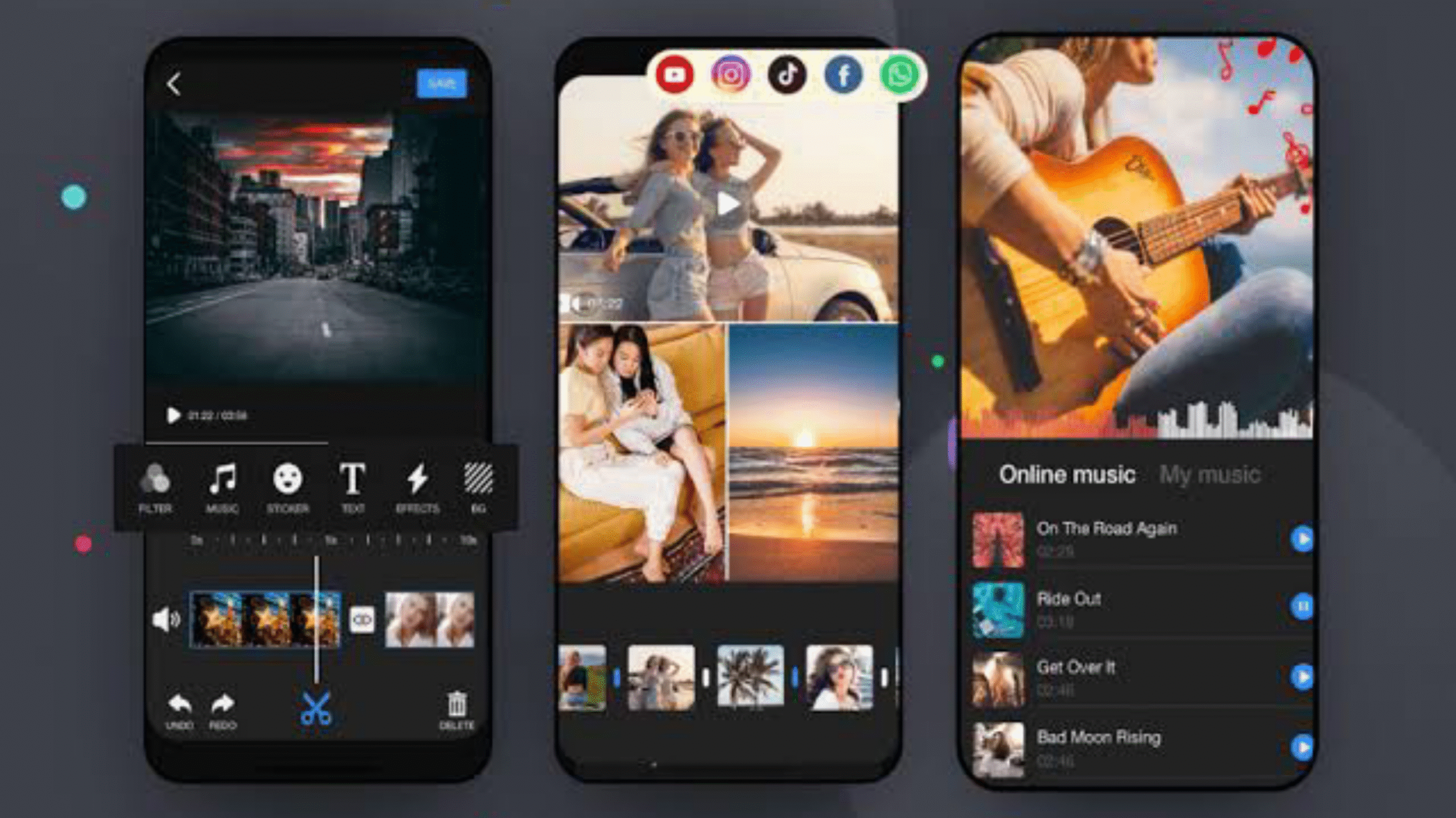
Which Is Best Video Editor For iPhone For YouTube depends on your skill level and needs, with excellent free options like CapCut and iMovie for beginners, and more powerful tools like Adobe Premiere Rush or LumaFusion for advanced users. CapCut is a strong contender for ease of use and features, while iMovie offers a simple interface for basic editing directly from Apple.
For Beginners & Quick Edits
CapCut: Widely praised for being free, intuitive, and packed with features like music libraries and background noise reduction, making it ideal for creating engaging videos.
iMovie: Apple’s own native app, it provides a simple, user-friendly experience for basic editing on iPhones, making it a great starting point.
For Intermediate & Advanced Users
Adobe Premiere Rush: An all-in-one app for shooting, editing, and sharing, offering a more professional experience for content creation on the go.
Videoleap: Known for its AI-powered features and extensive editing tools, it’s suitable for users looking to add creative flair and complex effects to their videos.
You can use these apps for beginners at first, and if you want to take it more advanced, you will have to pay for it, and you can only take the sub-sessions by paying for it. Because initially, people find it difficult to edit videos, and after editing the video, it is difficult to understand its contents. And it is also very difficult to explain it.
Most people also come to watch videos and learn something by watching videos, and do something, and most people use different devices and do different things. Here, people use their Android devices and iOS devices, and these two devices have different types and use different video apps.