

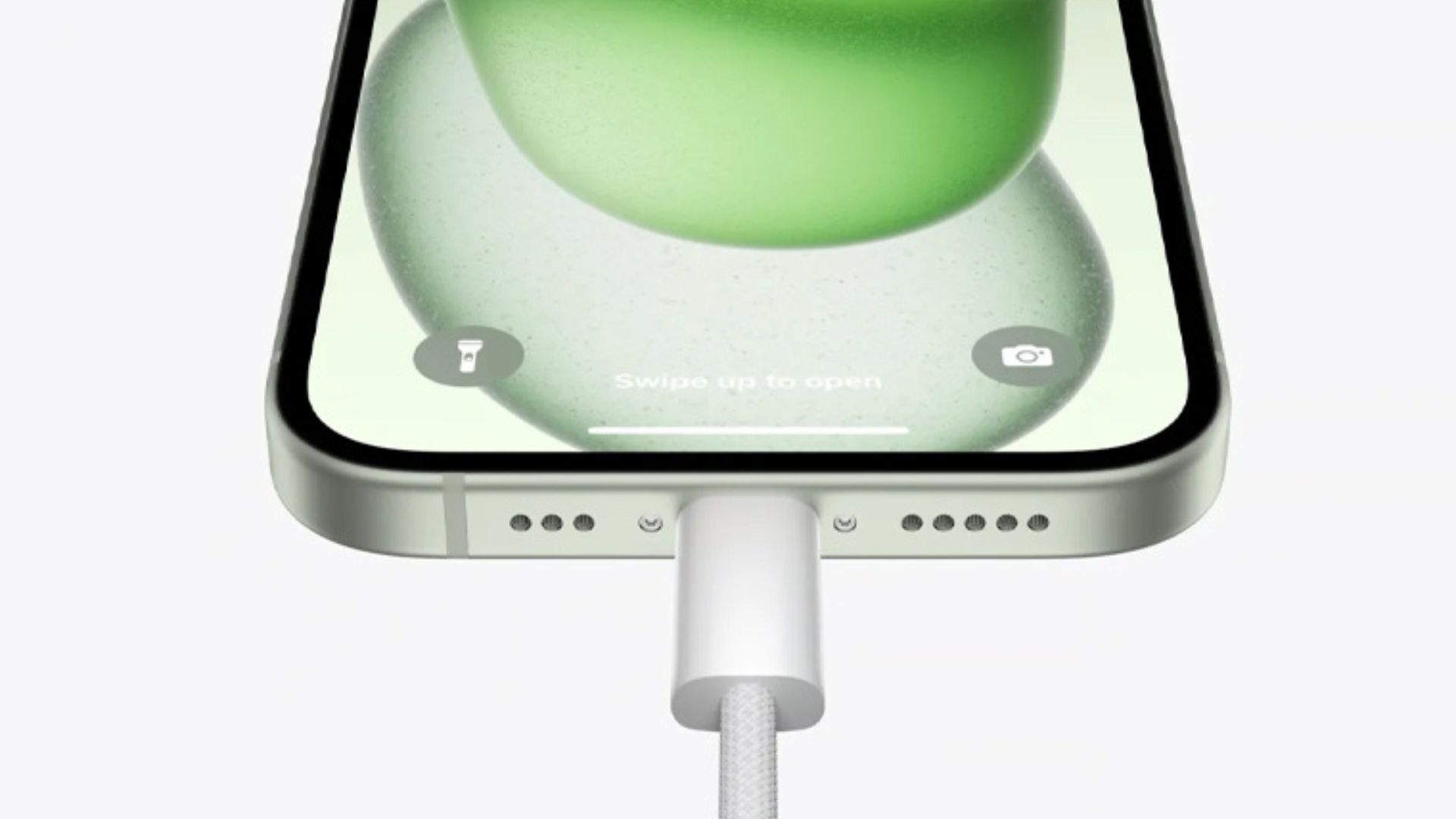
10 Ways To Save iPhone Battery Life There are various reasons behind the rapid deterioration of the battery. One of them is temperature. Whether it is freezing weather or high heat, the battery used in the electric device can get damaged in both conditions. There was no missing the phone. Sometimes not only the hardware but also the software has a big impact on the battery. Today we are going to discuss 10 ways to save battery on an iPhone:
1. Full charge
One way to keep the battery healthy by reducing the charging cycle is to fully charge the battery. Do not charge continuously for a short period. In addition, it is considered better not to let the battery of the phone drop below 20 percent.
2. Turn on the ‘Optimized Battery Charging’ feature
To make the battery more efficient, Apple has kept various inbuilt features. One of them is the charging optimization functionality. You can find this feature in the phone settings. It helps to extend the life of the battery. This feature is available on iOS 13 and later.
3. Prevent apps from refreshing in the background
iPhone shows updates about the weather and email due to apps running in the background. But it is draining the battery. To turn it off, go to Settings > General. Tap on Background App Refresh there and select the Off option to turn off the background altogether.
4. Wired charging instead of MagSafe
Most premium phones have wireless charging. However, this technology is a bit slower and needs improvement compared to wired charging. So, when charging this way, there is a problem like heating the phone. That’s why it’s better to use wired charging instead of MagSafe except when it’s not an option.
5. Do not use the phone while charging
Even in normal conditions, the phone heats up while using it. Even while charging, the phone heats up when you use it. This habit can damage the battery quickly. Therefore, it is best to charge when you are not using the phone.
6. Do not charge in inclement weather
Apple claims that the iPhone is designed to work even in adverse weather conditions. But it is better to not charge in extreme cold or hot weather. Because it is directly affecting the health of the battery. For example, there is a big difference between charging in direct sunlight and indoors.
7. Enable low-power mode
As the name suggests, the function of this feature is to run the phone with as little power as possible. This feature is especially useful during long journeys. In other cases when your iPhone battery drops below 20 percent, you can switch to low-power mode.
You will also get a notification for this. Based on which low-power mode can be enabled in one tap. You can also adjust it manually by going to the settings. Scroll down the screen and tap on Battery. Then turn on the toggle of low power mode.
8. Turn off notifications
There are some apps on the phone, which are not used much. But even if they are not used, they are running in the background. And they are sending notifications from time to time. So if you don’t think you need an app update, you can turn off its notification.
9. Stop charging when the adapter heats up
If the phone heats up unnecessarily while charging, it is better to stop charging for a while. Generally speaking, heat is the enemy of batteries. Because it not only spoils the health of the battery but sometimes it can also cause an explosion. Therefore, if the phone and charger heat up more than normal, charging should be stopped.
10. Update iOS
Not only new features but also new updates related to battery health have come in the iOS update. So, when Apple releases a new version of iOS, you should also update your iPhone. For this, first, go to the settings of your iPhone or iOS device. Tap on General Options.
Now click on software update and see available updates. Recharge the phone and update your iPhone.
In addition, you can also update your iPhone with the latest version of iTunes by connecting it to your computer. You can also save battery life by reducing the brightness of the iPhone screen and using Wi-Fi.