

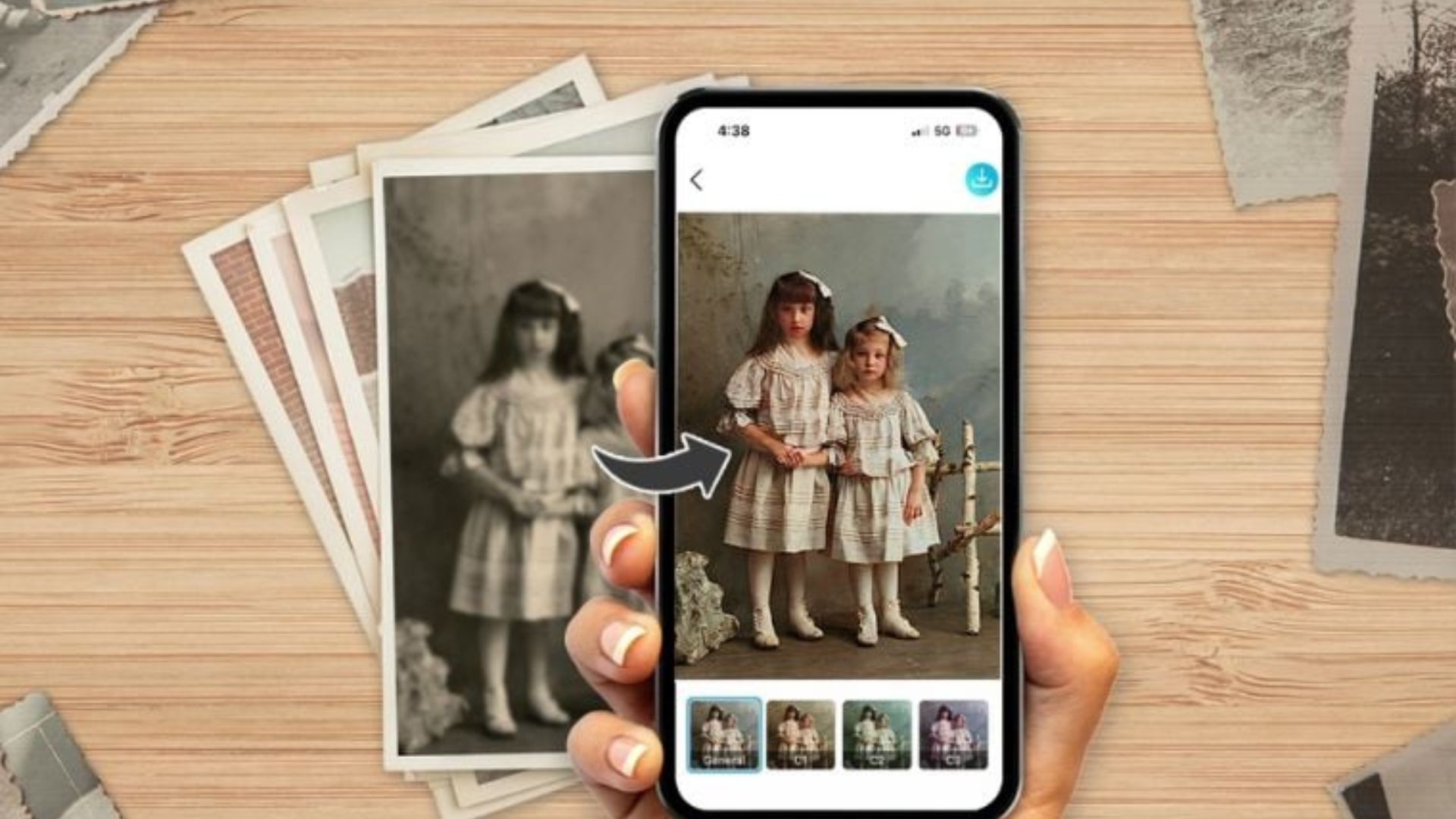
Do You Have Old Photos At Home: Make It Digital Using These Apps Before the smartphone reached hand to hand, the camera had to take a photo and print it. There was no time to take out a smartphone and take as many photos as you like.
Perhaps even now, many of us should have a photo album at home. Or there should be a reel/film to be printed. Those photo albums at home are not always with you. So you can digitize them and keep them with you. By doing this, there is no fear that the photo will be lost or damaged. The main thing is that you can easily view those photos when you need them.
Previously, a scanner machine had to be used to digitize such old photographs. Nowadays, this can be done through mobile apps. Today we are discussing mobile apps that digitize old printed photos:
Photo Scan
This Google app is designed to digitize old printed photos. For this, the app prepares the final form by scanning the photo several times. By doing this, the quality of the photo will not be the same as taking a normal photo.
The app will automatically crop the photo and resize it, saving time. You can also edit the photo as you like.
Microsoft Lens
Microsoft Lens is a type of business-oriented scanning app developed by Microsoft. It was earlier known as ‘Office Lens’. It is not as specific as Google’s ‘Photo Scan’ app. It scans various types of documents. At the same time, it will also scan old photos.
The scanned photos/documents can be edited according to your needs. For this, open Microsoft Lens and turn on the camera. And take any photos. Now you can adjust the photo manually.
Cam Scanner
The Cam Scanner app is similar to Microsoft Lens. It can also be used for many purposes. In this app, some features that you may find useful can be used for free, while some features have to be paid for.
To scan old photos from this, open the app and turn on the camera. It has different modes. You can opt out of scanning by selecting one of them. It also has various filters to make the scanned photos look better.
FilmBox
This app is useful for digitizing film negatives. With this app which can be used on both iOS and Android, you can easily digitize film negatives.
You have to pay to scan more of it. However, in the beginning, some photos can be taken for free. To make a color photo from your film negative, the negative should be placed in front of a light or light. That means you can put the film in front of any white screen. After this turn on your camera and take a photo of the film. A colored photograph is prepared from plain film within a short period.