

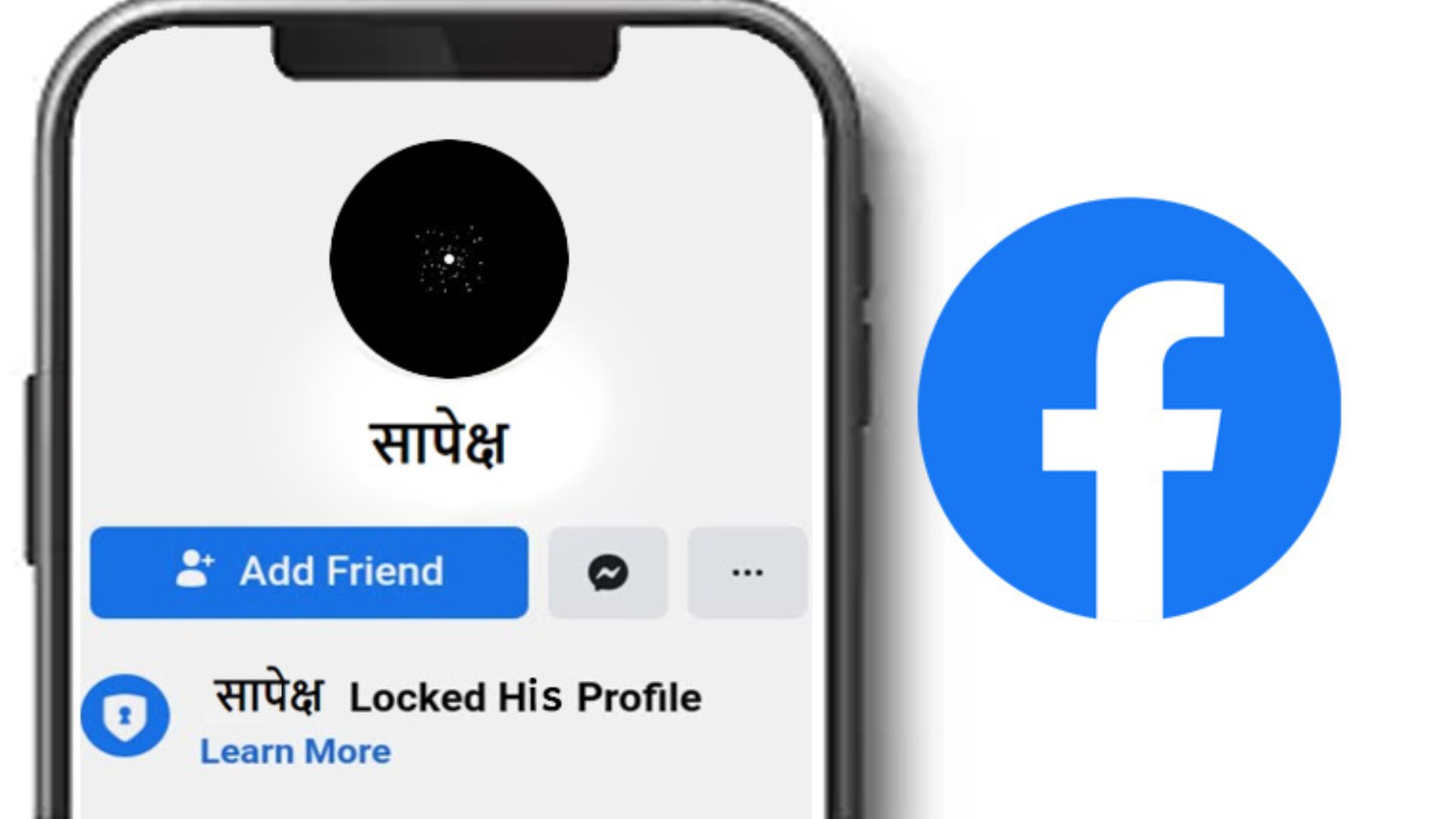
How To Lock Facebook Profile On Android And iPhone Profile Lock is a popular feature introduced by Facebook for user privacy. This is a feature which, when used, only people who are friends with you can see the posts, stories, photos, reels, videos, or any other updates that you put on Facebook.
Similarly, the feature of zooming in and viewing your Facebook profile or cover photo is available only to the account you have added.
The ‘Profile Lock’ feature hides all the posts you have uploaded from external profiles. Similarly, no one can take a screenshot of the profile of the locked account. Therefore, the company believes that this feature is important to protect the privacy of users.
How to Lock Profile on Android and iPhone
-First of all, open the Facebook app.
-Then go to the profile icon on the top right and tap on your name.
-Then, tap on the three dots next to the Add to Story box.
-If there is a ‘Lock Profile’ option, you can use that feature on your profile.
-If you want to enable that feature, tap on the Lock Profile option.
-Tap on the ‘Lock Your Profile’ option at the bottom.
– If you do this, your profile will be locked.
Note: If professional mode is active on your Facebook profile, you cannot lock the profile. In this case, you can close the professional mode and lock the profile.
How to lock a Facebook profile on a PC?
-You can also lock your profile by going to Facebook from a desktop browser. Follow the steps below for this:
-Open facebook.com in your browser and log in to your account.
– Now go to your profile.
– Then click on the three-dot menu on the top right. Click on it and go to the Lock Profile option.
– There will be a pop-up message that mentions how the profile lock works. After that, you can lock your profile by clicking the ‘Lock Your Profile’ button below.
What are the benefits of locking a profile?
Protects privacy
This feature not only locks your Facebook profile but also prevents unwanted people from accessing your personal information. When a profile is locked, only friends you’ve added can see your complete profile and posts.
Strangers and people who have not been accepted as friends will only see limited information such as your profile picture and cover photo. This feature helps protect your privacy by preventing unauthorized people from viewing personal details.
Protection against identity theft
By locking your Facebook profile, you can reduce your risk of identity theft. Since only your friends on Facebook can see your profile and access your posts, it is difficult for people with bad intentions to collect personal information about you.
People who engage in identity theft often target social media accounts to collect personal information. Locking your Facebook profile prevents such people from accessing your date of birth, contact information, location, content posted, and other details.
Reduces unwanted friend requests
Locking your profile prevents unwanted people from sending you friend requests. This helps reduce the number of unnecessary requests from unknown or suspicious accounts.
By filtering such friend requests, you can maintain a more organized and secure friend list on Facebook.
Prevents unnecessary tagging and posts
After using this feature, your profile will have limited tagging and posting capabilities. This means that people who are not friends on Facebook cannot tag you in pictures or posts without your permission.