

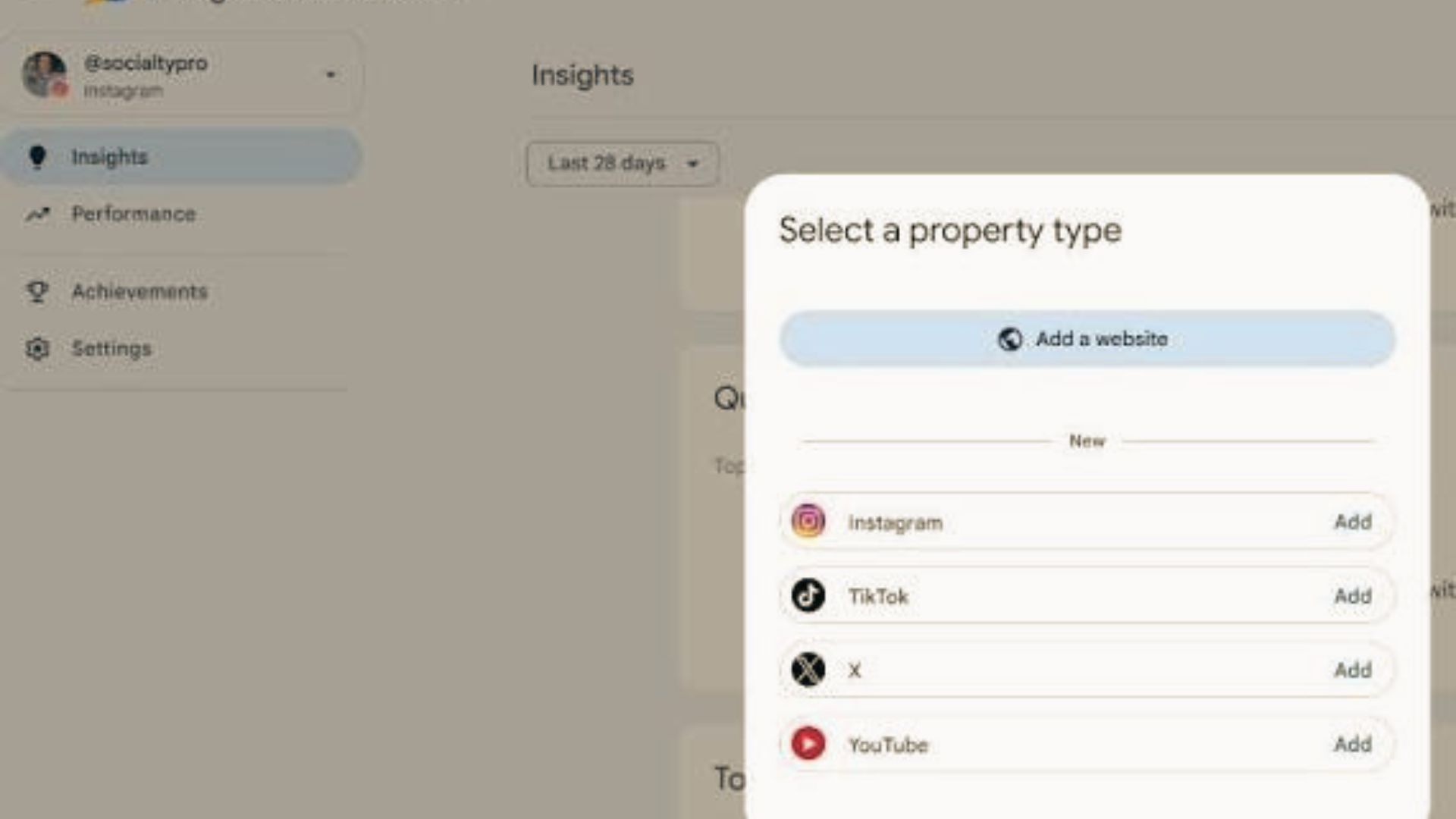
How To Connect Google Search Console To TikTok, X, YouTube, And Instagram In Nepal. You can connect TikTok, X, YouTube, and Instagram directly to Google Search Console as individual platform properties without needing a website. Open Search Console, click the top-left property drop-down menu, select Add property, choose your desired social platform, and log in to authorise the connection.
Setup Steps for Social Platforms
- Sign in to your account on Google Search Console.
- Click the property drop-down list in the top-left corner.
- Click Add property.
- Select your target platform (Instagram, TikTok, X, or YouTube) from the list.
- Sign in with your specific social media profile credentials when prompted.
- Grant Google authorisation to access and verify the channel.
- Wait 24 to 48 hours for performance metrics and search queries to populate
It has to be verified before mining. And after verifying it, it has to be confirmed. And only after that confirmation is done will it connect. This is also very beneficial for you, and it will be very easy if you do it. If you haven’t connected yet, you can do so starting today.