

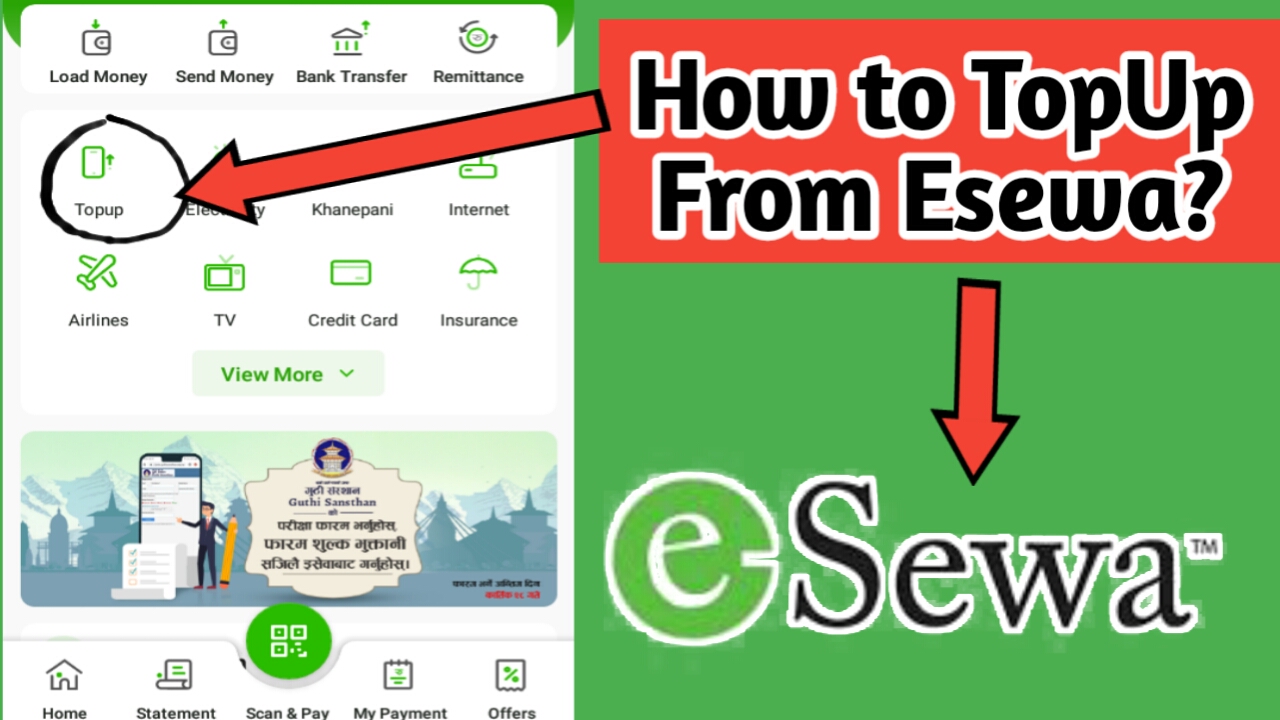
How to Topup on eSewa
How To Topup on esewa, To follow up step my under timeline tag which i will share to you. Firstly you can download the eSewa application into your andriod or iphone phone device. I will be provided to you video also how to topup on eSewa account. eSewa is the one of the online payment system in nepal which people can esaily paid any bills from your own eSewa account. You needs a account to create it. Step by step how to topup on esewa account i will teach to you here below. Esewa were good apps to used from nepal side. Alot of people were used it and sometimes its very urgent to recharge from mobile apps which you download it there. New user they didn’t know well for how to use it. Just i clear to you topup.
To Topup through mobile Application, follow these simple steps:
1. Select on Topup in eSewa app.
2. Select your mobile which you want to topup.
3. Enter your amount to topup which you want to need balance.
4. After you can click on process buttom.
5. Please confirm it after you can click on process buttom before.
6. Then you can confirm it and put your Mpin of eSewa ( which you register your mobile number already)
7. After you type Mpin you can select on confirm buttom then i will be confirm or successful topup from your topup wallent from eSewa account.
If you have any more confusions on how to load fund, please contact our toll-free number 1660-01-02121, or viber us at +9779868842121. You have support teams to clearify about this case. You can seen on mention video how to topup from eSewa account. Please check it out once here.. Please comment it below if any problem or above mention i had been share to you. You can comment it below. Visit this link of esewa website https://esewa.com.np/