

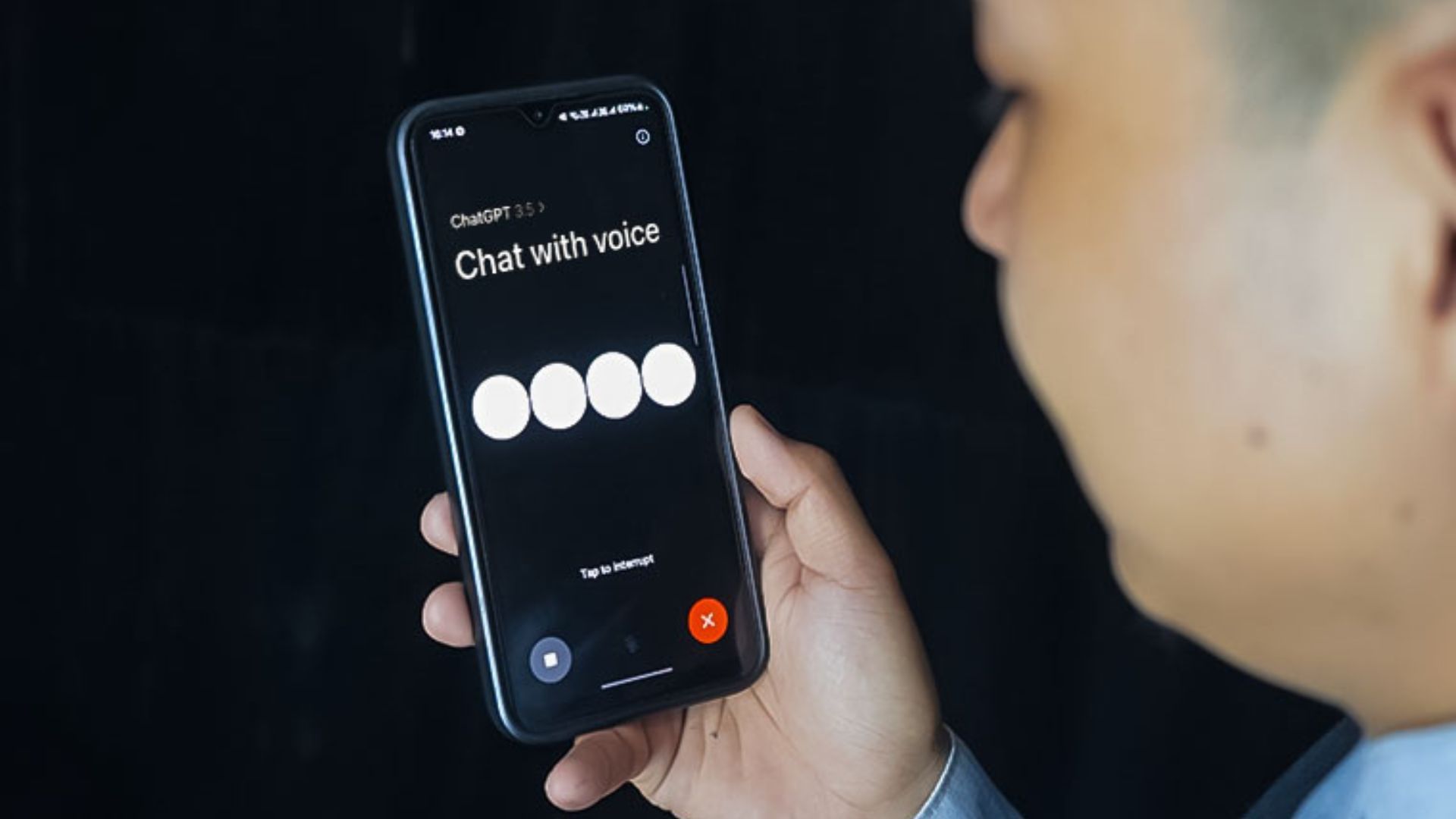
Communicate With ChatGPT As If You Were Talking Directly To A Friend OpenAI introduced the voice feature in ChatGPT last year. Before that, you could only talk to ChatGPT by writing. ChatGPT has become very famous because even when talking on the website, you can have the experience of interacting with an expert.
OpenAI has introduced the voice feature so the user can interact with it by speaking. At that time, this feature was only available to ChatGPT Plus users who paid a monthly fee of $20. About three months later, the company made this feature available to users worldwide.
Recently, the company has modified the voice feature to make ChatGPT more interactive. The user’s response is that they had the experience of talking to a robot before, but with the new feature, the experience of talking to a real person is coming. However, this facility has been provided only to ChatGPT Plus customers.
However, you can have free voice chat with ChatGPT. Follow the below procedure for that:
- First of all install the chatgpt app. (The voice assistant feature does not work in its web version.)
- Then log in with your account. You can easily log in to ChatGPT from a Microsoft, Google, or Apple account. If you have not created an account, go to the ‘Sign In’ option. And fill in the requested details there.
- After logging into the app, you can see the headphone icon at the bottom right of the home screen.
- Then tap the headphone icon.
- And, it takes some time to connect. After connecting, you can do whatever you want.
- It can also be spoken in Nepali. However, the Nepali spoken by him is not clear. In the context of Hindi, it can speak clearly.
- It speaks clearly in English, Spanish, French, German, Chinese, Korean, Russian, Japanese, Arabic, Portuguese, Italian, Hindi, Dot, Swedish, Turkish and other languages.
- After tapping on the voice icon, all you have to do is speak.
- However, there are two icons at the bottom. The cross sign inside the red circle is the exit sign from the voice chat. That is, when you tap on the icon, the voice option is removed.
- To the left of it is the Mute/Unmute icon. If you need to stop while talking, you can mute the chat by tapping the option. Similarly, you have to tap the same icon to unmute.
- Similarly, if you need to stop ChatGPT while he is talking, just tap anywhere on the screen. As you tap, ChatGPT listens to what you say and responds accordingly.
- Whatever is talked about in it is also coming in the form of words. If you go back to the chat page, you will see the chat. Such a chat lives in history. However, you can also tap on the two menu bars on the top right and long tap on the chat to select the delete option.
How to talk to ChatGPT even in the background?
Sometimes you may be trying to use other apps while talking to ChatGPT. For that, the company has recently introduced a background chat feature.
After turning on this feature, you can also use other apps while doing voice chat with ChatGPT. Follow the below procedure for that.
- First of all open the chatgpt app.
- Then tap on the two lines at the top right.
- After doing this, tap on the three dots below to the right of your account name.
- Then turn on the option of ‘Background Conversation’. After doing this, you can talk to ChatGPT in the background and use other apps as well.
Why use ChatGPT’s voice assistant feature?
Usually, we are busy with some other work and if we need specific information it can be used in that case. This feature can be used especially when you don’t have to keep typing and you don’t have to keep reading the words you type and send because you can interact by speaking.
We may not be used to talking in English or other languages. For that, you may have to practice the language by talking. Especially it can be used to increase your confidence to speak or talk in another language. Apart from that, it can also be used to get information from various fields by reducing screen time (time spent on the screen).