

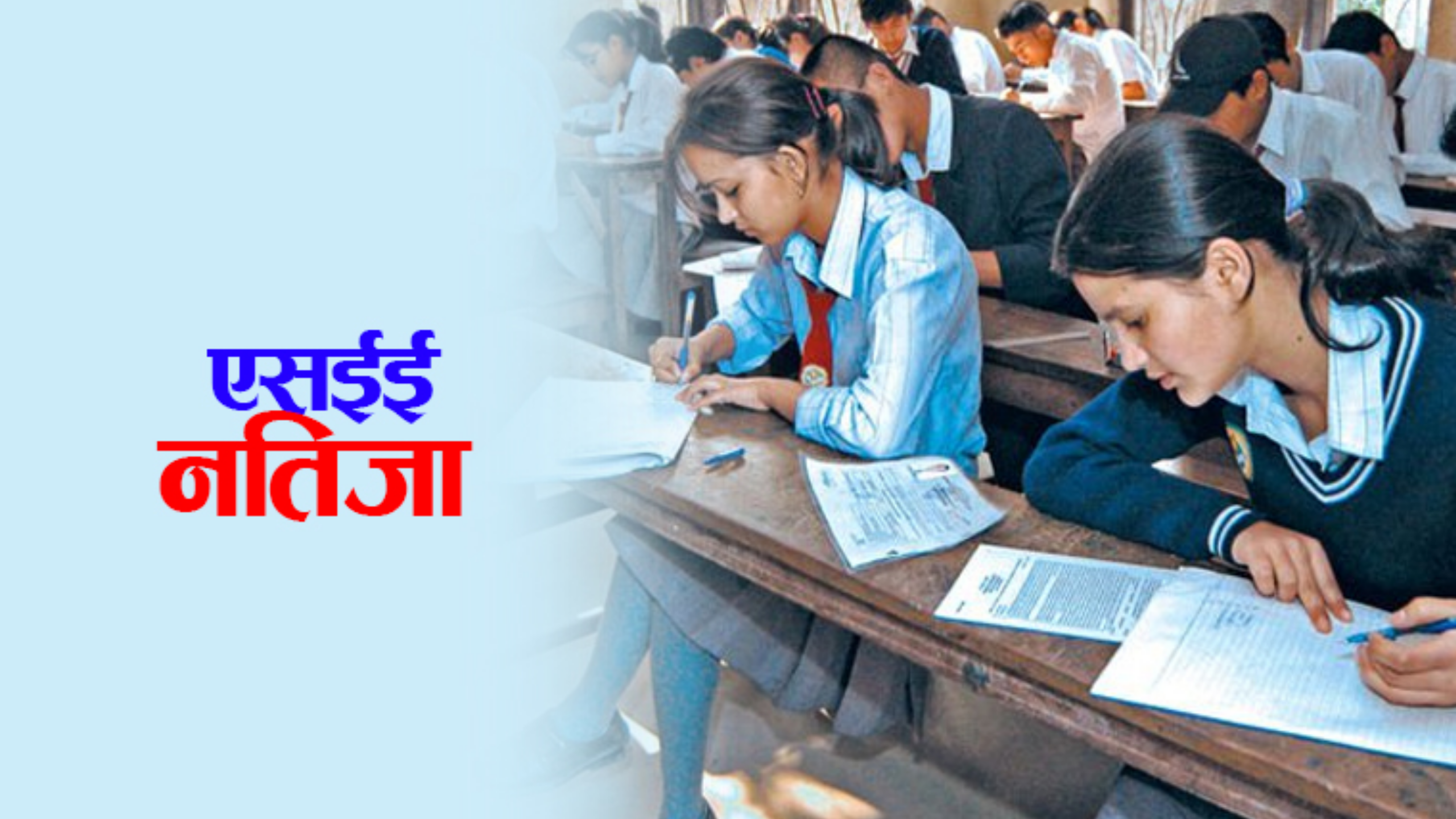
SEE Result Released Know Result Here The results of the Secondary Education Examination (SEE) conducted in 2080 have been published. Nandlal Paudel, Controller of Examinations, informed me that the meeting held on Thursday morning of the National Examination Board, Examination Control Office (Class 10) decided to publish the examination results.
According to the board, out of four lakh 44 thousand 785 students who participated in the examination, two lakh 42 thousand 92 students, i.e., 47.86 percent, have passed the regular exam. Only these passed students will be allowed to study in class 11.
In this examination, 52.14 percent of the examinees were non-graded (NG). The board said that they should give a grade enhancement test. 186 people have scored 4 GPAs in SEE. Similarly, the examination of 221 people has been canceled.
The board has released the results from this year according to the letter grading guidelines, 2078. According to the board, it is arranged that theoretical and internal evaluation will be done differently.
This time, arrangements have been made to view the results of regular and grade enhancement exams through various websites, SMS, and IVR. Under SMS, Nepal Telecom, Swift Technology, Janki Technology, Easy Service, and Aakash Tech will provide SEE results. IVR service will be provided only by Nepal Telecom.
How to Check Results Through SMS
First of all, open the Messenger app on your mobile.
Then tap on the New Message option.
Then write SEE and type your symbol number (for example, SEE 12345678) and send SMS to 1600, 34455, 35001, 34949, or 31003. Only GPA can be known through SMS.
How to view results from the IVR service
To listen to the result through Nepal Telecom’s IVR, you can call 1600, follow the instructions given by the operator, and type the symbol number to know the result.
How to know results from a website
SEE results can be viewed through the websites of 10 institutions, including the examination board. The symbol number and date of birth are required to know the grade obtained in all subjects.
How to know results from a website
SEE results can be viewed through the websites of 10 institutions, including the examination board. The symbol number and date of birth are required to know the grade obtained in all subjects.
- Click here to view the result from the National Examination Board, Examination Control Office, Class 10.
- Click here to view the results from the National Examination Board, Sanothimi.
- Click here to see the result from Nepal Telecom.
- Click here to see the results from SWIFT technology.
- Click here to see the results from the EDU network.
- Click here to see results from Kantipur Publication.
- Click here to see the results from Esewa Limited.
- Click here to see results from the Phonics Education Foundation.
- Results can also be viewed from the Ncell App and Digital Wallet Khalti.