

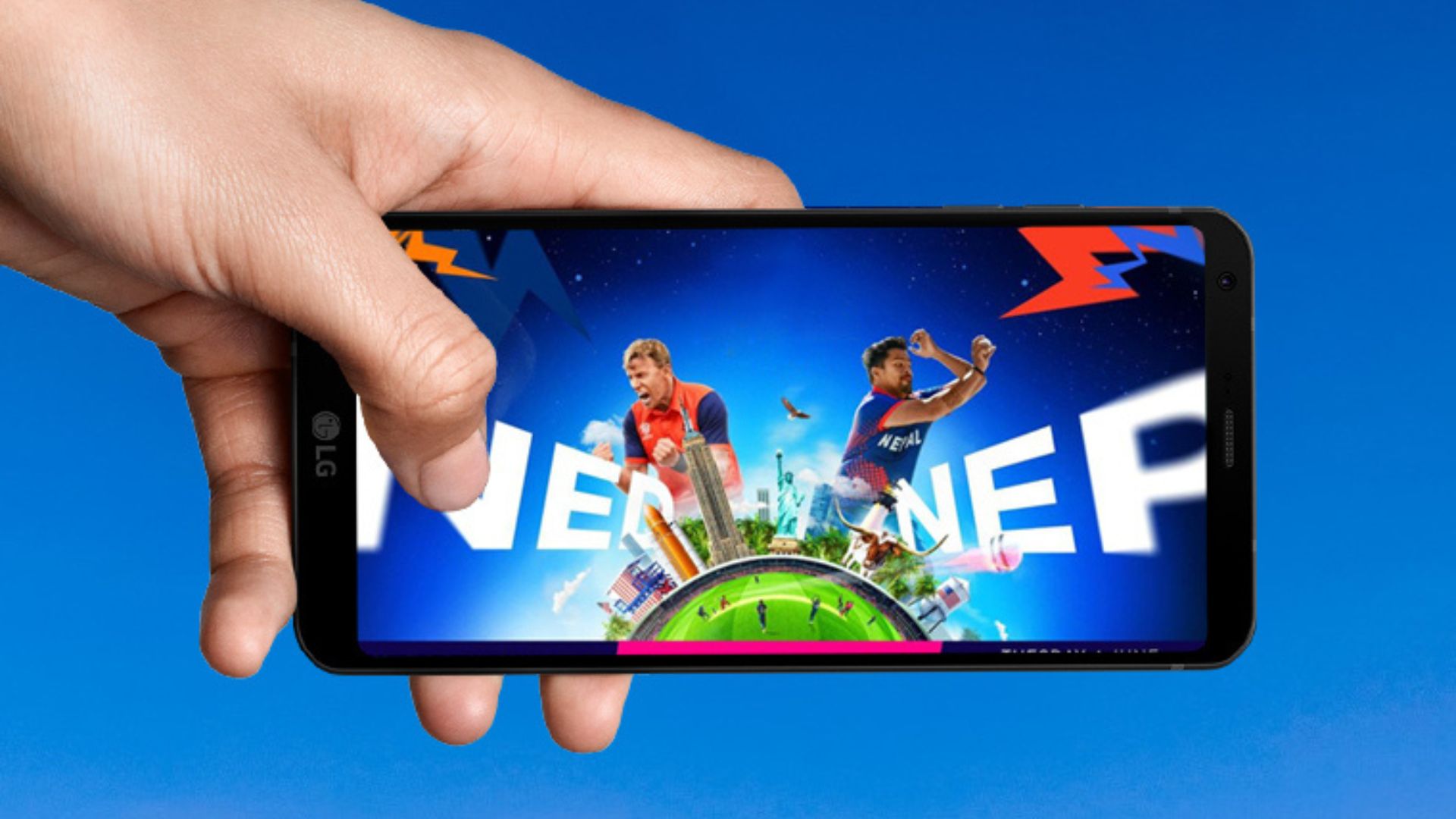
How To Watch World Cup Cricket Live On Laptop And Phone In the ICC Men’s T-20 World Cup 2024, Nepal is facing the Netherlands today on Tuesday. The International Cricket Council (ICC) will provide free live broadcasts of the tournament in America and the West Indies through its official web TV. Under this, one can watch the live broadcast of the match through the TV available on the ICC’s official web page or mobile app.
How to Watch World Cup Live on Smartphone or Laptop
- First of all, install the ICC app by clicking here. (Irrespective of whether you have an Android or iOS device, clicking this will take you to the respective app store, if it is from a computer or laptop, the ICC web page will open.)
- Then open the app, go to the homepage, and tap on the Next button. (Or just tap the skip button at the top right.)
- Continue tapping the Next button as before. Tap on the ‘Sign in or Register’ button at the end. Open an account by entering the required details.
- After doing this, the login page will open. If you already have an account, enter the email address and password directly. If you have opened from Facebook or Google account, then tap on Facebook and Google options shown below.
- Select the account you used before when choosing a Facebook or Google account. Then the homepage of that page opens.
- For that, there is a facility to log in by preparing an email and password; another facility is to log in directly from a Google or Facebook account. If you want to use your Google and Facebook accounts, follow the procedure below. We are discussing here how to log in from a Google account.
- First, go to the login page as mentioned above.
- Then tap on the Google option at the bottom.
- Choose the Google account you want to link.
- After doing this, the name and more will be filled automatically according to the name in your Google account.
- The two boxes can be seen below. It happens even if the above option is not ticked. Just tap on the option below.
- And finally, tap on the ‘Create Account’ button. After doing this your account will be created.
- If you don’t want to open an account like that, you can create an account manually. For that, go to the login page as mentioned above. Then tap on the ‘Signup’ option at the bottom.
- After doing this, enter your name, surname, and email address on the new page that will open there, and tap on the ‘Send verification code’ button.
- After that, the code will be sent to the email address you have previously entered. Put the code in the email on that page. Tap the verify code button.
- After this, your email will be verified. After verification, enter the country name and password and tap on the ‘Create Account’ button at the end.
- Then log in by entering your email address and password. And see the match you want among those shown there.