

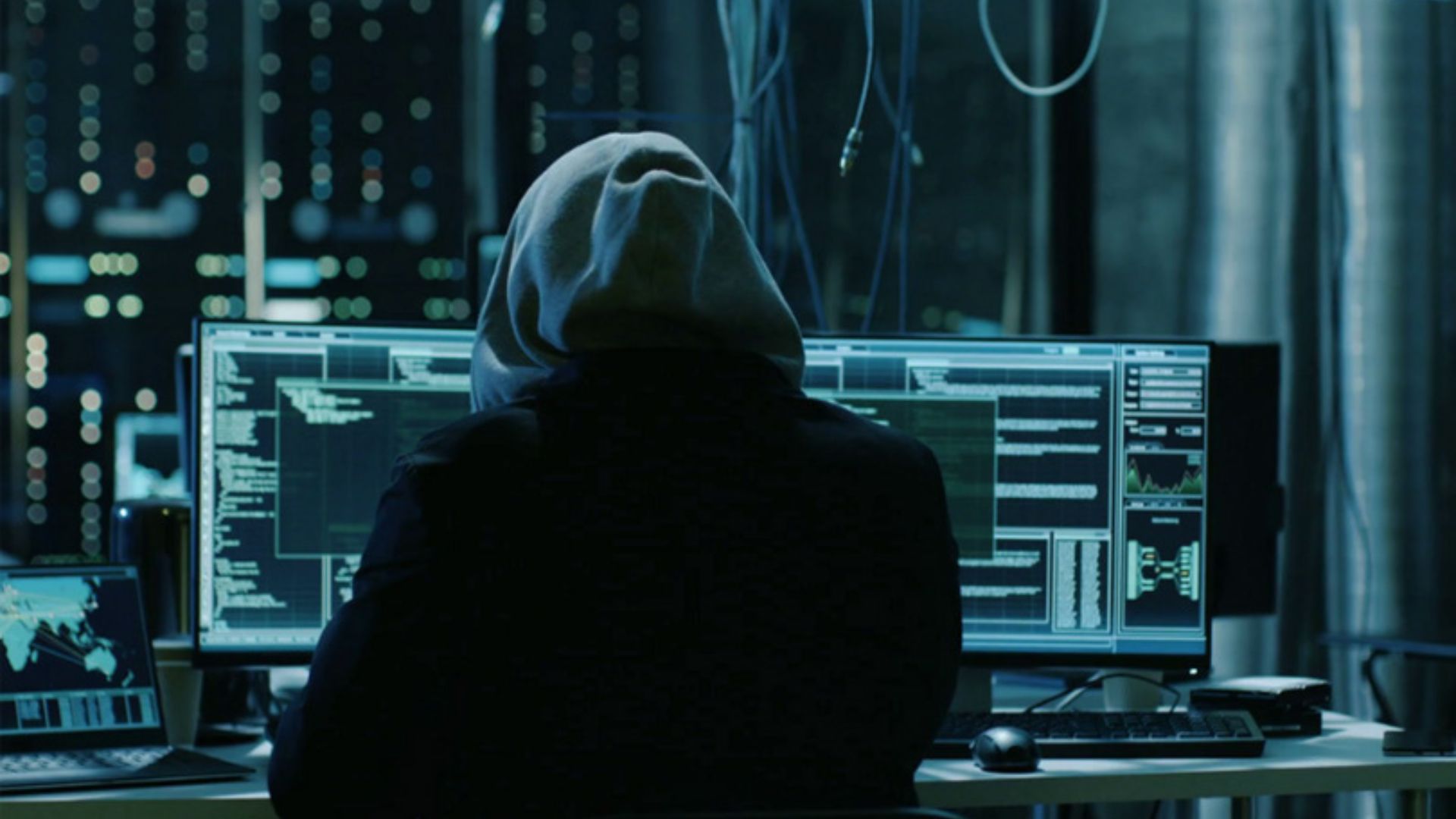
Hasn’t Your Computer Been Hacked When understood in the common language, computer hacking is defined as unauthorized access to someone’s computer and damaging the system there.
In this way, a hacker can block a computer system by hacking a computer, changing the format of data, destroying data, stealing data, and selling it.
To know that your computer has been hacked, you need to pay attention to the various activities that are happening on your computer. If you see the following signs, you can take immediate action to know that your computer has been hacked:
1. In addition to finding programs installed on a computer without the computer owner’s knowledge, programs automatically run and try to connect to the Internet as soon as the computer is turned on,
2. Abnormally decreasing performance of the computer, increase in usage of CPU, and RAM, and the computer hangs from time to time and shuts down automatically.
3. Unnecessary redirects/visits to websites, self-downloading of various software, and frequent pop-up windows
4. Sending multiple emails or messages from the computer owner’s email account or social media account without the computer owner’s knowledge
5. Changing the Internet browser home page without the knowledge/permission of the computer owner
6. Automatically disable Windows Firewall, Antivirus, Task Manager, or Registry Editor
7. Do not use your password
8. Having your password available in a public domain
9. Consuming abnormally high internet bandwidth or slow internet
10. Getting unsolicited messages like “You’ve been hacked”.
11. Receiving an email or message asking for a ransom (Ransomware) in your email etc
12. Unnecessary toolbars appear in the browser.