

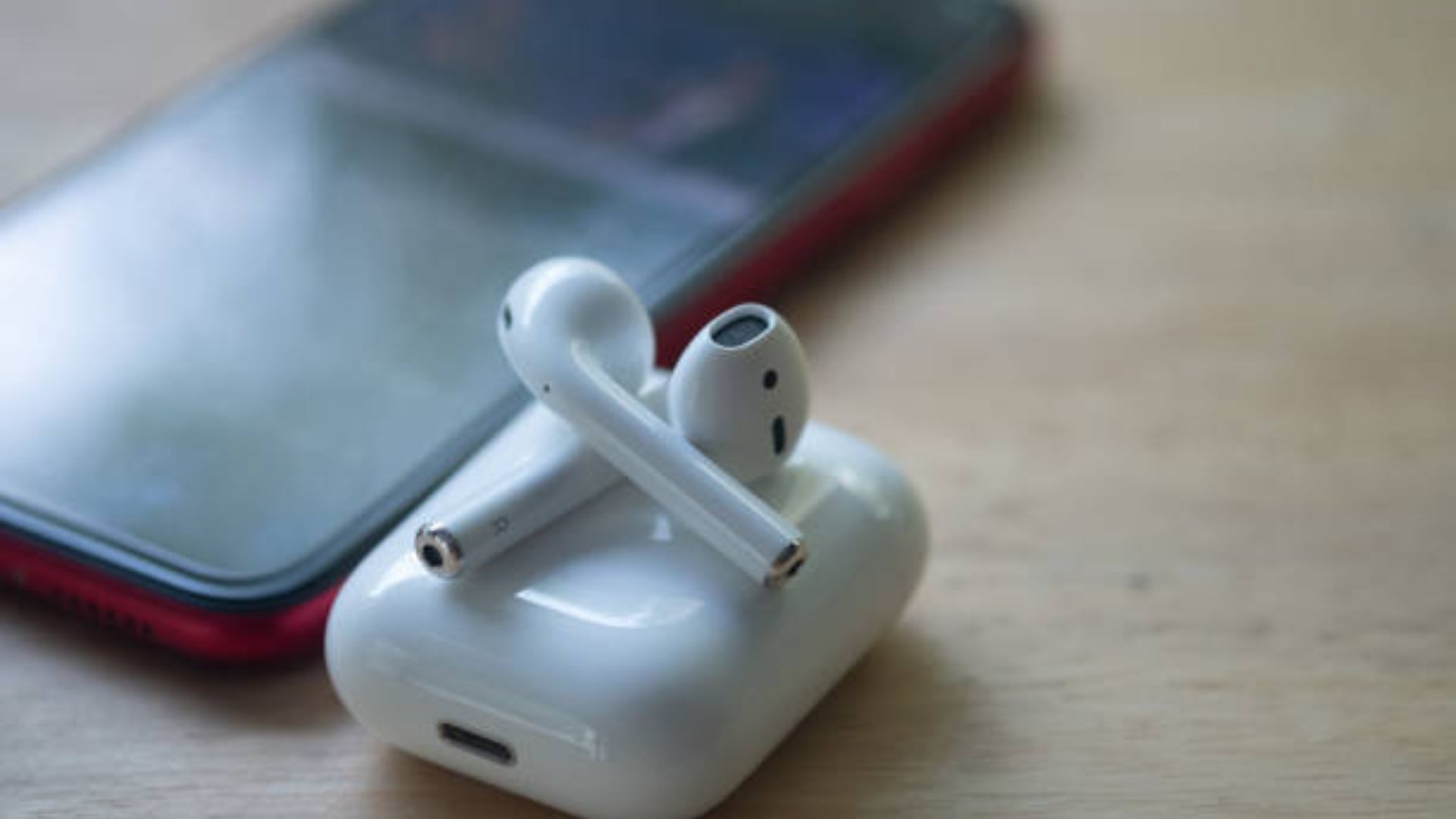
How To Connect Airpods To iPhone Without Case in 2024 Sometimes you may find yourself in a situation where you don’t have your AirPods case in your pocket, but you still want to use the earbuds to pass the time. You find yourself out of the house with your AirPods in your ears but realize you’ve left the case behind. And now you have no idea how to connect them without the case.
It might seem to be a very complicated scenario and bring in panic. However, you can relax, the process to reconnect AirPods without a case is relatively easy and simple. Most iPhone users are unaware of the fact that it is actually possible to connect AirPods without the case. In fact, the case has nothing to do with connecting AirPods to the device.
Follow the steps outlined here to find out how you can connect AirPods without a case
- Open the Control Center on your iPhone. For this, swipe up from the bottom of the screen if you are using older versions of the iPhone. For iPhone X and later versions, swipe down the top-right area of the screen.
- After that, press and hold the Audio Card. You will find it on the top-right side of the Control Center.
- This will open the Audio Card into full-view mode. Press on the AirPlay icon.
- Here, you will see the list of devices connected with your iPhone through AirPlay. Select AirPods on the list of Bluetooth devices found.
Conclusion
Above mention step you were doing on it. While connecting without a case from AirPods from your iPhone device you need to this step to check out there. Mostly the people were confused doing this case without connecting with AirPods.
After hearing this, you may have got all the information. You will know everything by watching the video. I did it because some people need to learn by writing. You must have known how to unlock Apple’s AirPods.
How can you choose AirPods without it? You should do as given above. Sir, you should do it according to that, you should do it yourself.