

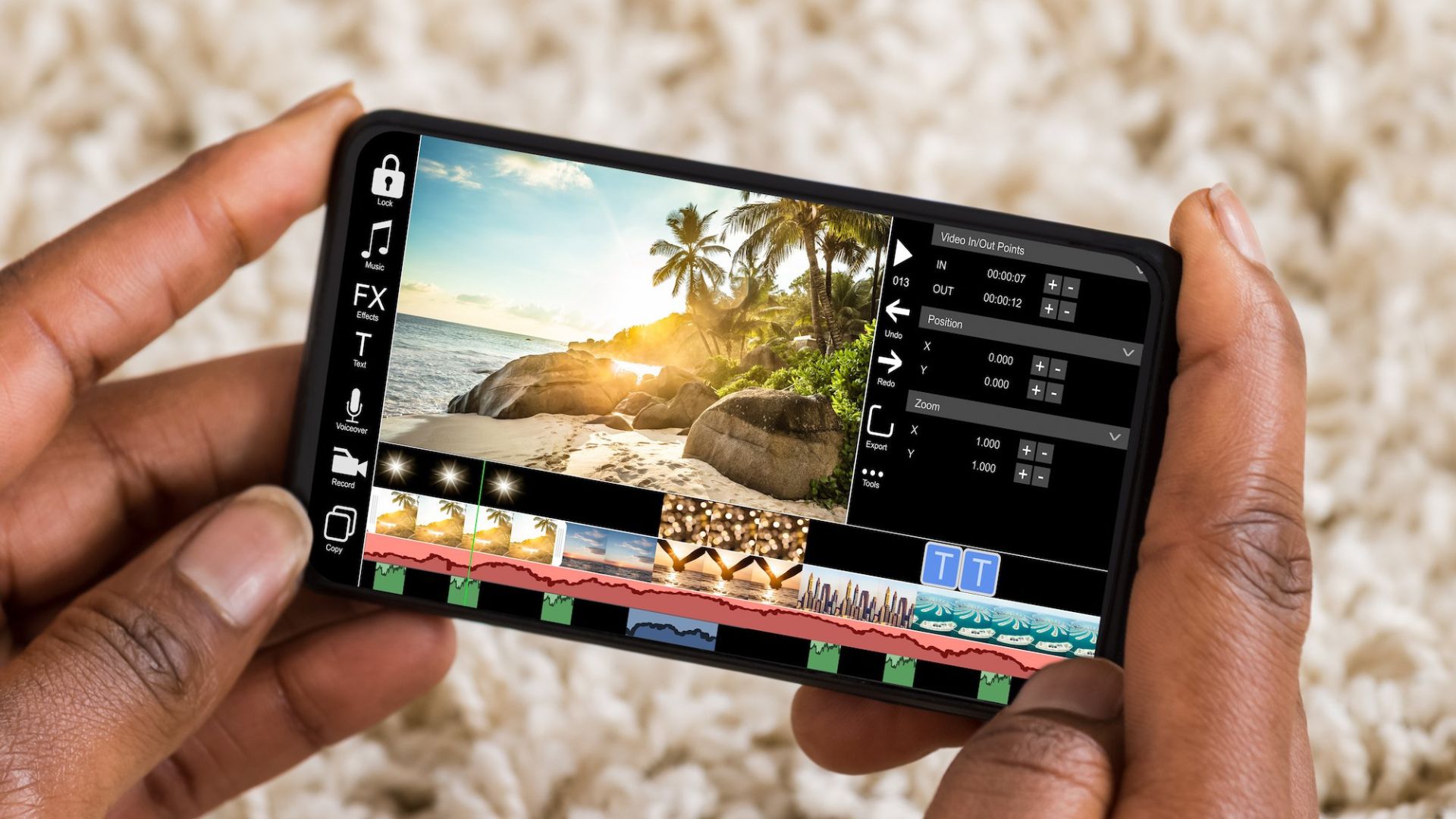
Want to Edit Videos on Your Mobile Video editing has become a must-have skill in today’s world. The popularity of social media has increased the importance of video.
If you are interested in video editing but don’t have the necessary computer for that, then you can do it on your mobile. From this, you can learn the basics and upgrade later.
Today we are telling you about important video editing apps on mobile:
Kinemaster
Kinemaster is one of the best video editing apps. Once you understand all the features of this app well, you will not feel the need for any other app.
For this, the company has given many advanced features. In which there are green screens, background removal, etc. for editing.
The app has many such features, which come in premium video editing software.
But it works only on Android version 5.0 or above.
It has both paid and free versions. This app can be used for free with a watermark. But in the paid version, you can get access to additional features in addition to removing the watermark.
InShot
This app has also been chosen by many. It is easy to add captions while editing the video. Editing can be done by making several layers at the same time. Also, you can get the option to select the video format for different social networks
As a user-friendly app, InShot can be used correctly by any new user within a few minutes. This app is free. But when exporting the video from the app (making a file after editing), the watermark appears.
To remove it, you have to take a subscription plan. However, the app also provides an option to remove the watermark by watching other videos for a few seconds. If your phone has an Android 5 or above version then you can easily use this app.
Vita
If you want to become a YouTuber then this app can be useful.
With the help of Vita, you can do amazing video editing. If you want to make beautiful videos from photos, this app is a good option.
For photos, you need to give some permission to the app. You can also put background music in it.
This app has tools and features to prepare professional videos for editing. By going to its settings, you can also choose whether to keep the watermark or not.
This app can be used for free.
VideoShow
The Videoshow app is also used by many. Its best feature is that you can edit HD-quality videos. When you start editing through this app, you have to choose a theme.
Then you have to choose the photos you want to put in the video. In this way, the app will prepare the video in a few minutes. Besides, the text can also be selected in the style of your interest. You can put background music on it. You can also join two or more videos together.
This app also gives the option to stream the video somewhere (on social networks). It doesn’t take much time to learn to use this app. It also has many attractive features like zoom in, and zoom out. To use this app, the phone must have Android 5.0 or higher version. Click here for Android and here for iOS to download the app
PowerDirector
PowerDirector app is also an app preferred by many users for video editing. However, professional users use it more.
It has premium editing features like green screen, stream, splice, rotate, and brightness control. In the app, you can also get PIP i.e. Picture in Picture support. This feature does not work on smartphones with weak or inferior processors.
The app can be used for free. But there will be a watermark on it. You have to get a subscription plan to remove it.
Apart from these, there are many good video apps available in the market now. More recently, AI-integrated apps have also started coming. Filmora, Canva, Capcut, VivaVideo, and Filmmaker Pro are some examples.