

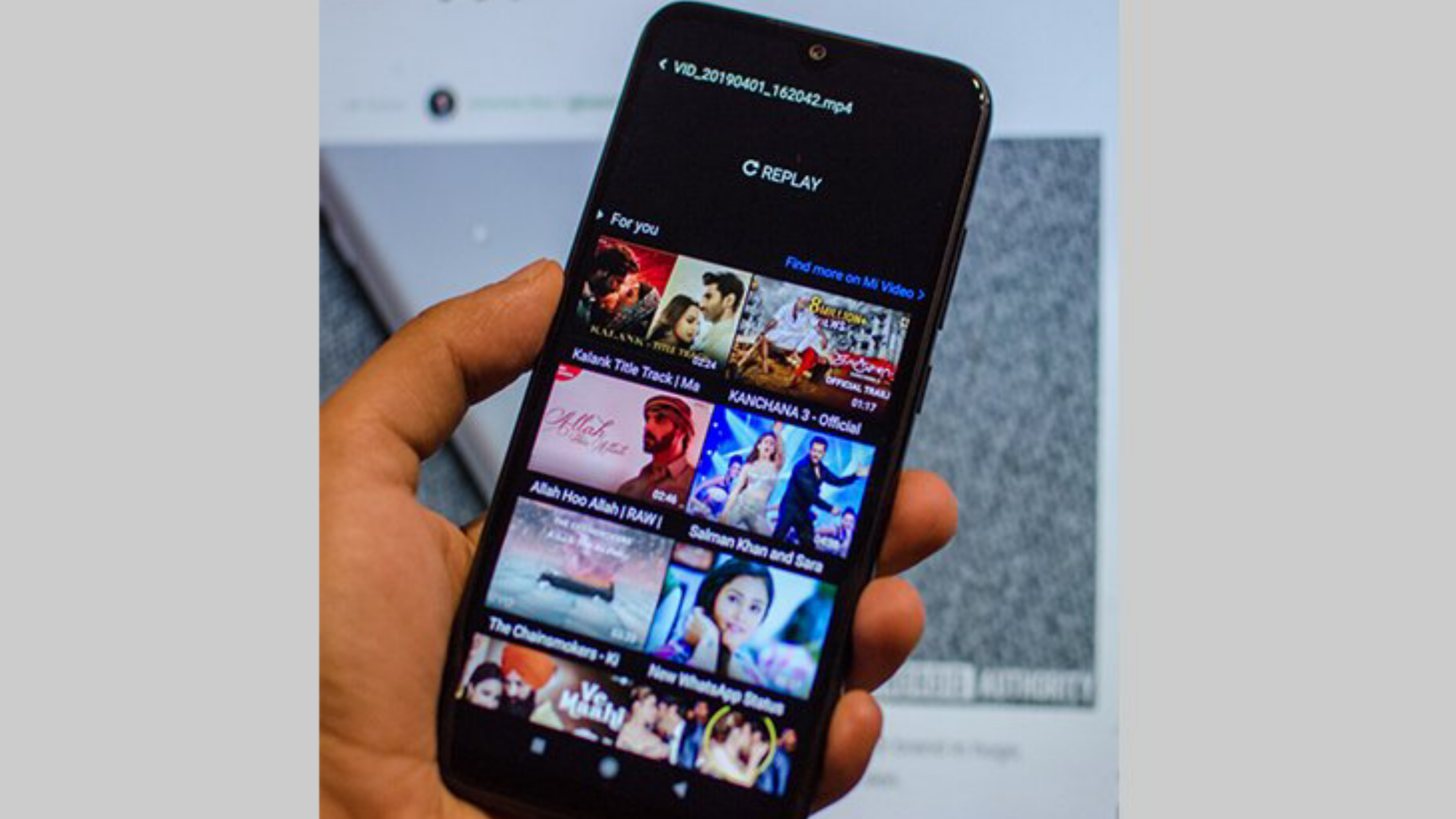
Are you surprised by the ads on Xiaomi and Redmi phones? Xiaomi smartphones run on custom skin MIUI based on Android. The latest MIUI version of the company has added some nice features.
But it also contains advertisements, which many users may find annoying and unpleasant. But many people don’t understand that this company’s strategy is to earn money from advertising by giving out cheap phones.
First stop the MSA (or MIUI System Ads) process
To turn off ads, you must first turn off some processes. First of all, close the MSA process. Which works to show ads in your stock apps. For that, first of all, go to the Settings app on your mobile.
From there, enter Authorization & Revocation through Passwords & Security and turn off the MSA toggle in it.
Turn off ad recommendations
Turning off personal ad recommendations ensures that Xiaomi does not tap into your usage habits and data. This means that for this, go to Privacy through Passwords & Security from your mobile’s Settings.
Scroll down a bit, click on Ad Services, and turn off personalized ad recommendations. Xiaomi takes your data from it and shows ads based on your usage.
Turn off ads with the File Manager app
For this, first open the file manager app. Now press the button with the thin line at the top left. At the bottom of the page, go to About and turn off recommendations.
Turn off ads through the Music app
For this, first open the Music app. Now go to settings through the settings button at the top left, enter the advanced settings, and turn off the show aids button at the bottom.
Turn off ads from the Themes app
For this, first open the Themes app. Now open My Page on it, go to Settings, and turn off the Recommendation button.
Turn off ads in my browser. For this, first open the Mi Browser app
Go to the Advanced Settings below and turn off the Show Ads button. If you want to turn off Google and YouTube ads,Turn on the ad blocker above.