

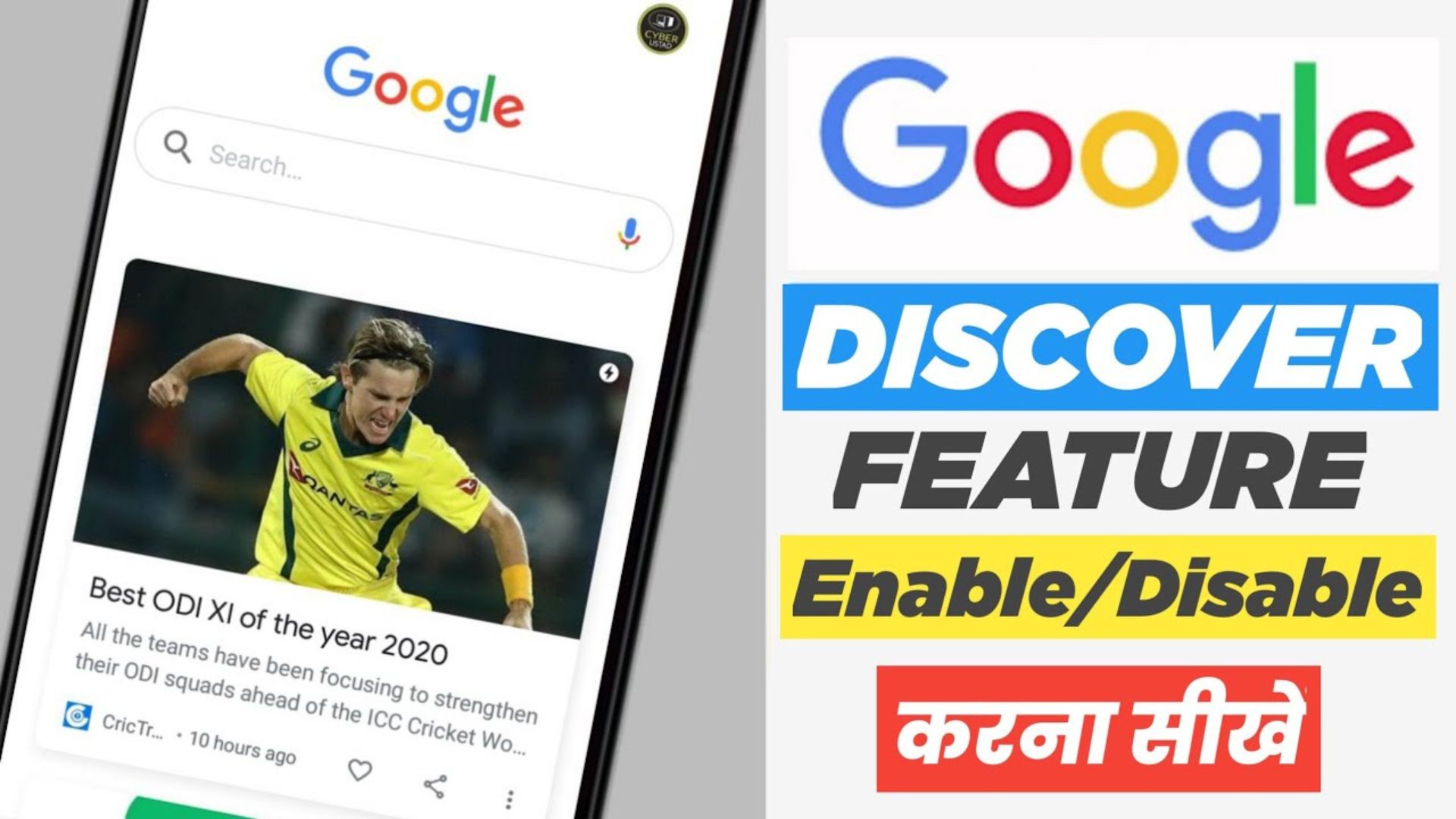
How to Enable Google Discover in Nepal is a new way to entertain the users of Android devices which is shown according to the searches they have made on their Google account like YouTube, chrome, and Google. It is shown in the left slide of the home screen on their devices. It contains some videos, news, game updates, & many more.
Recently a lot of users have been targeting the Google Discover search for the Latest News Updates under happen in the current situation in Nepal. Most of the content will be high ranking with discover page with latest news report update or content basis unique article generation will be updated coming in discover page feed. Most of the user will be made attractive images and title clickbait to need reading their post sharing into.
5 Tips to Enable Google Discover in Nepal
1. Commencing Your Google Discover Experience
Google Discover serves as a personalized content feed, delivering news, articles, and updates that align with your interests.
2. Configuring Your Language Preferences
To enjoy Google Discover in Nepal seamlessly, it’s crucial to configure your language preferences correctly.
3. Clearing Cache and Cookies
At times, cached data can hinder your access to Google Discover.
4. Verifying Location Settings
Make sure your device’s location settings are accurately configured to enable Google Discover in Nepal
5. Keeping Your Google App Updated
Keeping your Google app up-to-date is essential for accessing the latest features, including Google Discover
Conclusion
Enabling Google Discover in Nepal can greatly enrich your online experience, delivering the latest news and updates tailored precisely to your interests. By following our comprehensive guide, you can maximize this feature and stay informed and entertained effortlessly. So, why wait? Begin enjoying Google Discover today!
Nowadays people will be making the target a discover page on all devices and phones and changing the site side to update. If this were a notification with the Google side then Google would want to enable sharing on the Discover page side. Most users will be forced under the image and the title description must be a clear and unique way to share into.
A lot of content users will be unable to successfully get into the Discover page feed side in mobile apps. Most popular website blogger isn’t enable to see on the Google Discover page side to there.